Guide
Pre-Send ValidationThe List-Unsubscribe Header: A Guide for Agent-Sent Email
What the two headers do, which mailbox providers require them, and how to make sure an autonomous agent never sends a campaign without them.
By Agent Mail Weekly Editors · Updated
List-Unsubscribe is the email header that lets a mail client put its own Unsubscribe button next to the sender's name. Paired with List-Unsubscribe-Post, it lets that button work in one click, with no page to load. Gmail and Yahoo require both for marketing and subscribed mail from bulk senders. For an agent that sends campaigns on its own, the headers are easy to get almost right and quietly wrong, so they belong in the sending layer and in the pre-send check, not in the prompt.
What the List-Unsubscribe header is
The header was defined in RFC 2369 in 1998, alongside a set of other list-command headers. Its value is one or more URIs, each in angle brackets and separated by commas. A mailto: URI asks the recipient's client to send an email that unsubscribes them; an https: URI points to a page or endpoint that does it.
List-Unsubscribe: <mailto:unsubscribe@news.example.com?subject=unsubscribe>,
    <https://news.example.com/u/7f3a9c2e1b>
A mail client that reads the header can offer unsubscribing as a button of its own, so the recipient doesn't have to find a link in the footer. That matters to the sender as much as the recipient: someone who can't find the way out reports the message as spam instead, and spam reports are what mailbox providers judge a sending domain by.
One-click unsubscribe: the List-Unsubscribe-Post header
An https: link in a header has a problem. Spam filters fetch URLs they find in a message, so a link that unsubscribed on a plain visit would unsubscribe people nobody asked about. Senders answered with confirmation pages, which a person can click through and an automated system can't.
RFC 8058 (2017) fixes this with a second header. When it's present, the mail client unsubscribes by sending an HTTPS POST to the URI, which a filter fetching links never does. The rules for senders:
List-Unsubscribemust contain one HTTPS URI. It may also contain amailto:URI.List-Unsubscribe-Postmust contain exactly one value:List-Unsubscribe=One-Click.- The message must carry a valid DKIM signature whose
h=tag covers both headers. Without it, receivers should not offer one-click unsubscribe. - The URI must identify the recipient and the list by itself: the POST carries no other information. It should include an opaque, hard-to-forge token rather than a plain email address.
- The endpoint must not answer with a redirect.
- The POST arrives without cookies, login or any other context.
The header pair, and the request a mail client sends when the recipient clicks:
List-Unsubscribe: <https://news.example.com/u/7f3a9c2e1b>
List-Unsubscribe-Post: List-Unsubscribe=One-Click
POST /u/7f3a9c2e1b HTTP/1.1
Host: news.example.com
Content-Type: application/x-www-form-urlencoded
Content-Length: 26

List-Unsubscribe=One-Click
What Gmail and Yahoo require
Starting in 2024, both providers made one-click unsubscribe a requirement for bulk senders' marketing mail. The thresholds and wording are theirs and change, so check their pages before relying on the summary below.
| Provider | Applies to | What it asks for |
|---|---|---|
| Gmail | Senders of more than 5,000 messages a day to personal Gmail accounts | Marketing and subscribed messages must support one-click unsubscribe and show a clearly visible unsubscribe link in the body. Transactional messages are excluded. A mailto: URI alone doesn't meet the requirement; the body link may lead to a preferences page. Google recommends acting on unsubscribe requests within 48 hours. See Gmail's sender guidelines and its FAQ. |
| Yahoo | Bulk senders | A working List-Unsubscribe header that supports one-click unsubscribe for marketing and subscribed messages (the RFC 8058 POST method is highly recommended, mailto: is acceptable), a visible unsubscribe link in the body, and unsubscribes honored within 2 days. See Yahoo's sender best practices. |
Falling under a volume threshold is not a reason to leave the headers out. They cost nothing to add, an agent's volume can cross a threshold in one run, and spam reports count against a domain at any volume.
Which agent sends need it
The header is a property of the kind of message, and deciding the kind is where agents go wrong: a receipt with a promotion attached, or a newsletter sent through the transactional path, ends up with the wrong headers either way.
| Send type | One-click headers |
|---|---|
| Password reset, login link, receipt, shipping notice | Not required: these are transactional. Keep promotions out of them; Gmail's guidelines advise against mixing content types in one message. |
| Newsletter, product announcement, broadcast campaign | Required, together with a visible unsubscribe link in the body. |
| Onboarding or nurture sequence a person can opt out of | Treat as a subscribed message and include them. |
| A one-off reply in a conversation the recipient started | Not a list message. If the agent starts sending the same message to many people, it has become one. |
The safest design takes the decision away from the model's wording: the agent declares what kind of message it is sending, and the sending layer applies the rules for that kind. Mixing the two on separate platforms makes this harder; Transactional and Marketing Email in a Single Agent API covers why.
How an agent pipeline should set the headers
- Derive them from the message type, never from the prompt. An agent that writes raw headers will, across enough sends, omit one, misspell
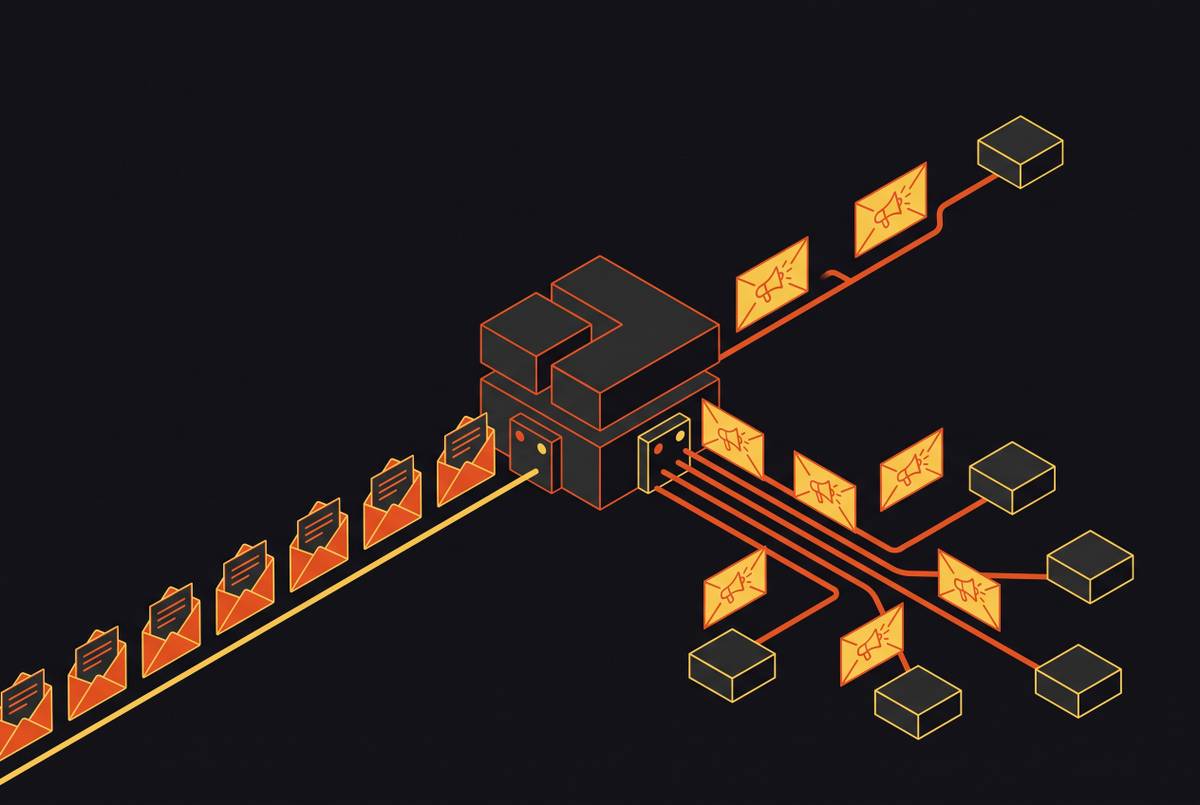
One-Clickor wrap the URI wrongly. The sending layer should add both headers to every message declared as marketing. - Mint a token per recipient. Each copy of a broadcast needs its own URI, bound to that recipient and that list. A batched send where every copy carries the same URI unsubscribes the wrong person, or nobody.
- Add the headers before DKIM signing, and sign them. A header added later in the pipeline, by a relay or a post-processing step, is not in the signature's
h=tag, and the one-click button disappears without an error anywhere. - Keep the link in the body. The header doesn't replace it: both Gmail and Yahoo ask for a visible unsubscribe link as well. That link may lead to a preferences page; the header is what has to work in one click.
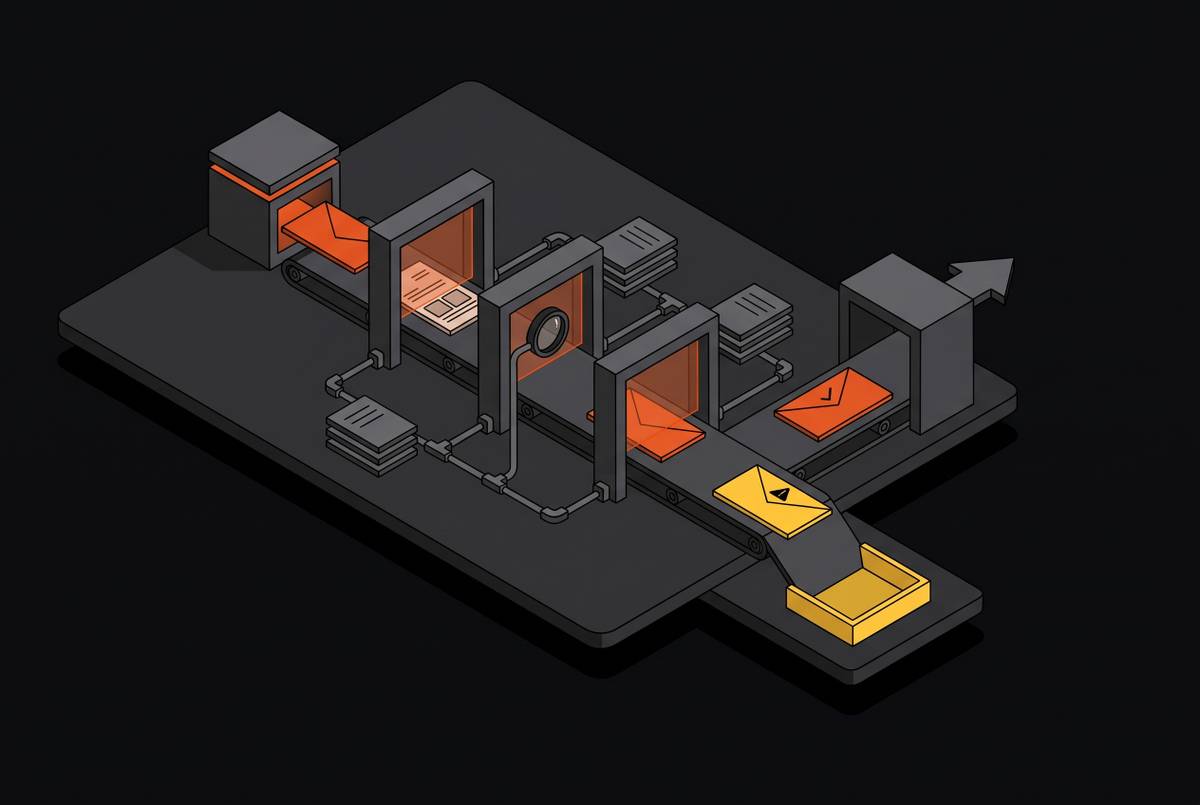
- Block the send when any of it is wrong. A pre-send check should stop a marketing message with either header missing, an
http:instead ofhttps:URI, a template placeholder such as{{unsubscribe_url}}left unrendered in the URI, or aList-Unsubscribe-Postvalue other than the exact string. It should return an error the agent can act on. Why Agentic Email Needs a Unified Pre-Flight Check and Pre-Send Linting Architecture for Agentic Email Systems go further into that check.
Building the unsubscribe endpoint
- Accept a
POSTwhose body isList-Unsubscribe=One-Click, sent asapplication/x-www-form-urlencodedormultipart/form-data. RFC 8058 allows both. - Require no login, cookie or CSRF token, and answer directly with a success status, never a redirect.
- Serve the same URI to a person who opens it in a browser with a
GET: show a page with a button that confirms, since aGETmay be a spam filter fetching the link. - Verify the token and ignore requests whose token you didn't issue.
- Make it idempotent: a second POST for the same token succeeds and changes nothing. Idempotency Patterns for Agent-Triggered Email Sends covers the same idea on the sending side.
- Write the unsubscribe to the suppression list that every marketing send on the domain checks first, whichever tool or agent sends it, and do it at once rather than in a nightly batch.
When the agent is the one receiving
Agents that run an inbox read messages carrying these headers too. RFC 8058 says a mail receiver must not send the one-click POST without the user's consent. An agent tidying an inbox should treat unsubscribing as an action its owner approves, never one taken on its own judgement or because the text of a message asked for it. Prompt Injection Risks in MCP-Driven Email Agents covers why message text is never an instruction.
How to check a message
- Send a test to a Gmail account, open the message and choose Show original. Both headers should be there, DKIM should read PASS (and DMARC too; The DMARC Record covers what that takes), and the
h=tag of theDKIM-Signatureheader should listlist-unsubscribeandlist-unsubscribe-post. - Send the POST yourself, the way a mail client would:
curl -i -X POST \
  -H "Content-Type: application/x-www-form-urlencoded" \
  --data "List-Unsubscribe=One-Click" \
  "https://news.example.com/u/7f3a9c2e1b"
The response should be a success with no Location header, and the test address should now be on the suppression list. Send it again: it should still succeed.
Checklist
- Every marketing and subscribed message carries
List-Unsubscribewith one HTTPS URI. - Every one carries
List-Unsubscribe-Post: List-Unsubscribe=One-Click, exactly. - The URI holds a per-recipient, hard-to-forge token, not a plain address.
- Both headers are inside the DKIM signature's
h=tag. - The body has a visible unsubscribe link as well.
- The endpoint accepts a POST with no login and no redirect, and repeats safely.
- Unsubscribes reach the shared suppression list at once, well inside the 48 hours Google recommends and the 2 days Yahoo asks for.
- The pre-send check blocks any marketing send that fails one of the above.
Sources
- RFC 2369: The Use of URLs as Meta-Syntax for Core Mail List Commands
- RFC 8058: Signaling One-Click Functionality for List Email Headers
- RFC 6376: DomainKeys Identified Mail (DKIM) Signatures
- Gmail Help: Email sender guidelines
- Gmail Help: Email sender guidelines FAQ
- Yahoo Sender Hub: Sender best practices